NextBrill AutoPost

Sale!

NextBrill AutoPost

Original price was: $100.00.Current price is: $19.99.

/ 1 year / 1 Site

NextBrill AutoPost is an AI-powered WordPress plugin that automatically generates and publishes SEO-optimized blog posts. It uses OpenAI (ChatGPT) to create content based on your topics, keywords, and requirements.


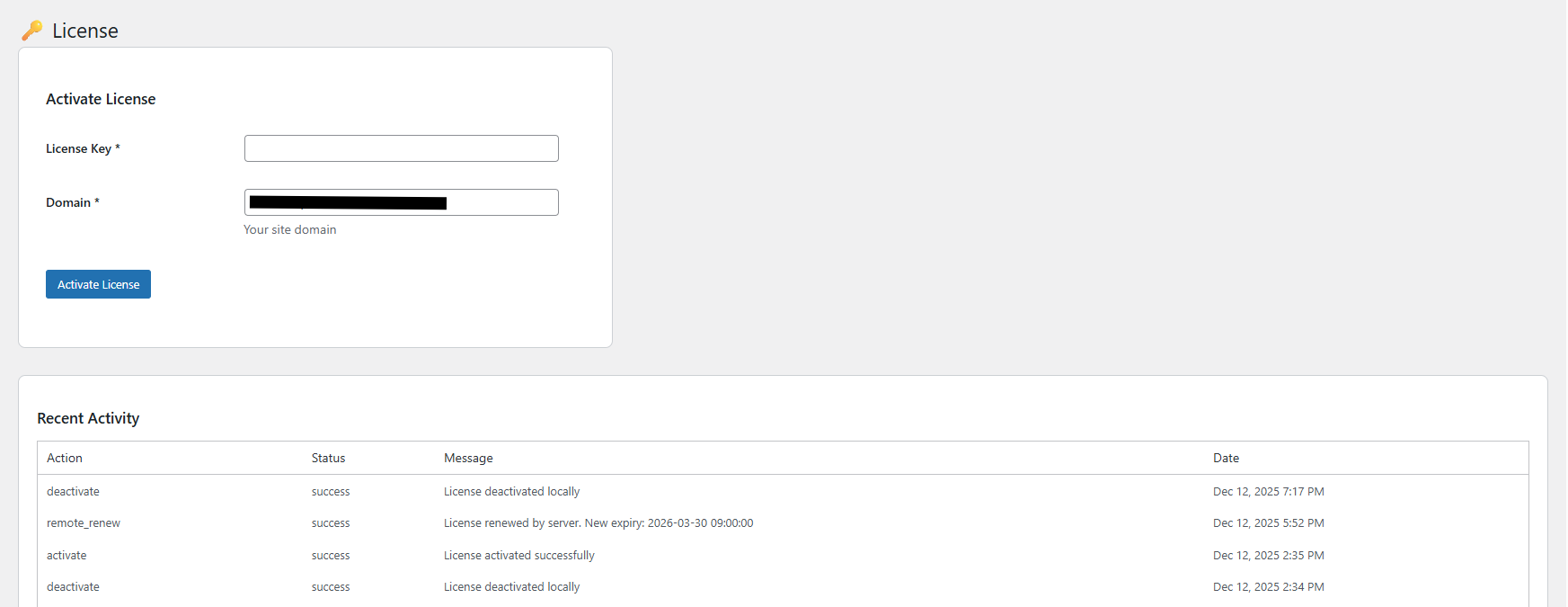
Enter the domain where your AutoPost license is currently active. We will verify it before allowing you to proceed.

Enter the domain for AutoPost where you will use this license (without http:// or www)

🚀 Why Choose NextBrill AutoPost?

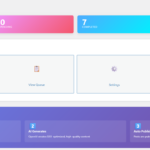
Simply add your article titles and Keywords. AutoPost generates full, detailed, SEO-optimized articles without manual writing.

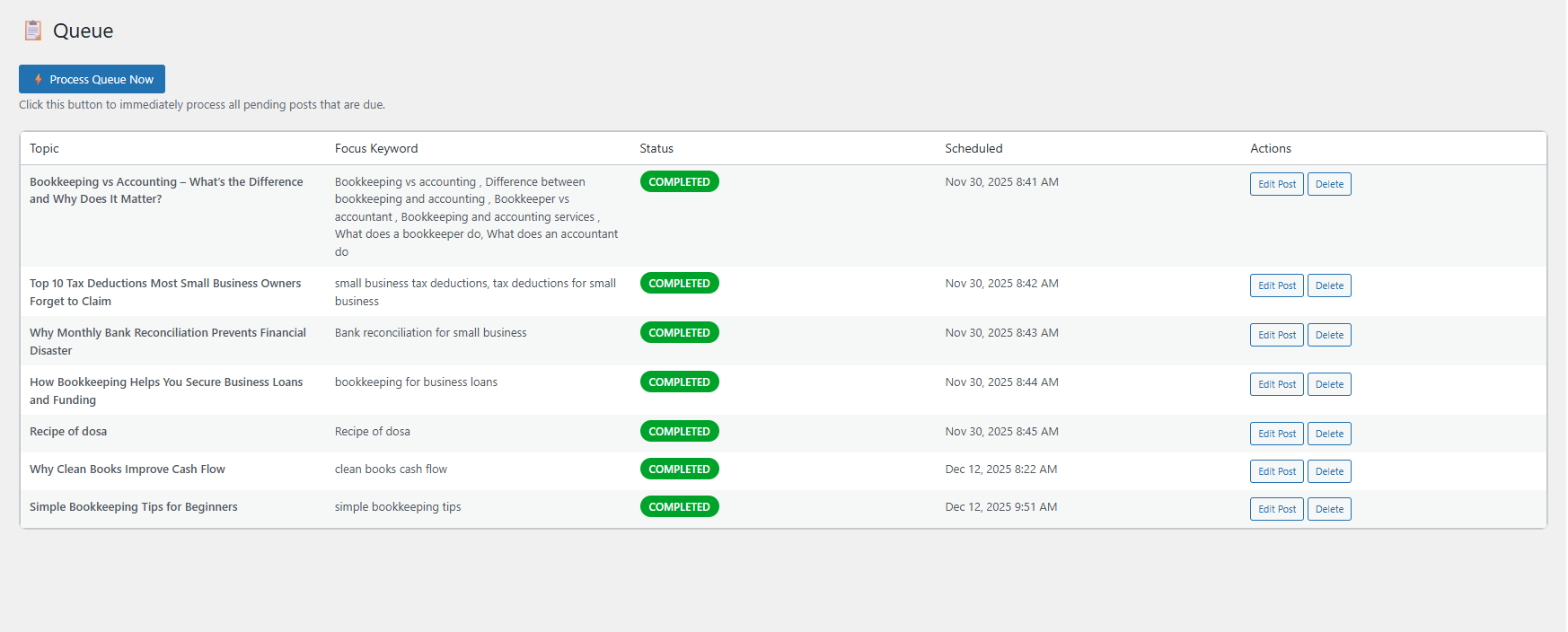
Schedule articles to go live every minute, hour, day, week, or month. Set it once and let AutoPost handle everything.

AutoPost doesn’t just write content—it creates smart content. Articles are optimized to achieve green SEO and readability scores in popular SEO tools like Yoast and Rank Math SEO plugins.

Each article can automatically include relevant FAQs, helping improve rankings and user engagement.

Add multiple article titles at once, queue them, and publish dozens or even hundreds of articles automatically.

No external dashboards. Everything runs inside your WordPress admin panel for full control and transparency.

Try AutoPost for free with access to all Pro features. Generate up to 5 articles before upgrading.

Unlock unlimited automation, scheduling, and scaling at just $9.99/month.

Need help? Our friendly team provides live installation and setup assistance.

Features

FREE vs PRO

NextBrill Autopost Free

SEO friendly AI blog generator
Free
  • Unlimited Post
  • AI-powered content generation
  • SEO optimization
  • Focus keyword optimization
  • Secondary keywords support
  • Automatic FAQ generation
  • DALL-E featured images
  • Internal linking
  • External link management
  • Category and tag assignment
  • Meta description generation
  • Heading structure optimization
  • Real-time queue management
  • Automatic publishing
  • Error handling and logging
  • OpenAI API integration
  • Custom cron schedules
  • Schema markup support
  • Image alt text optimization
  • Simple admin interface
  • One-click queue addition
  • Status tracking
  • Queue-based scheduling
  • Bulk scheduling
  • License-based activation
  • Post preview

We’re confident you’ll love NextBrill Autopost. But if it’s not the right fit for your website, you can request a full refund within 15 days of purchase—no questions asked. Your satisfaction is our priority.

Introduction

Tutorial

FAQs for Potential Buyers

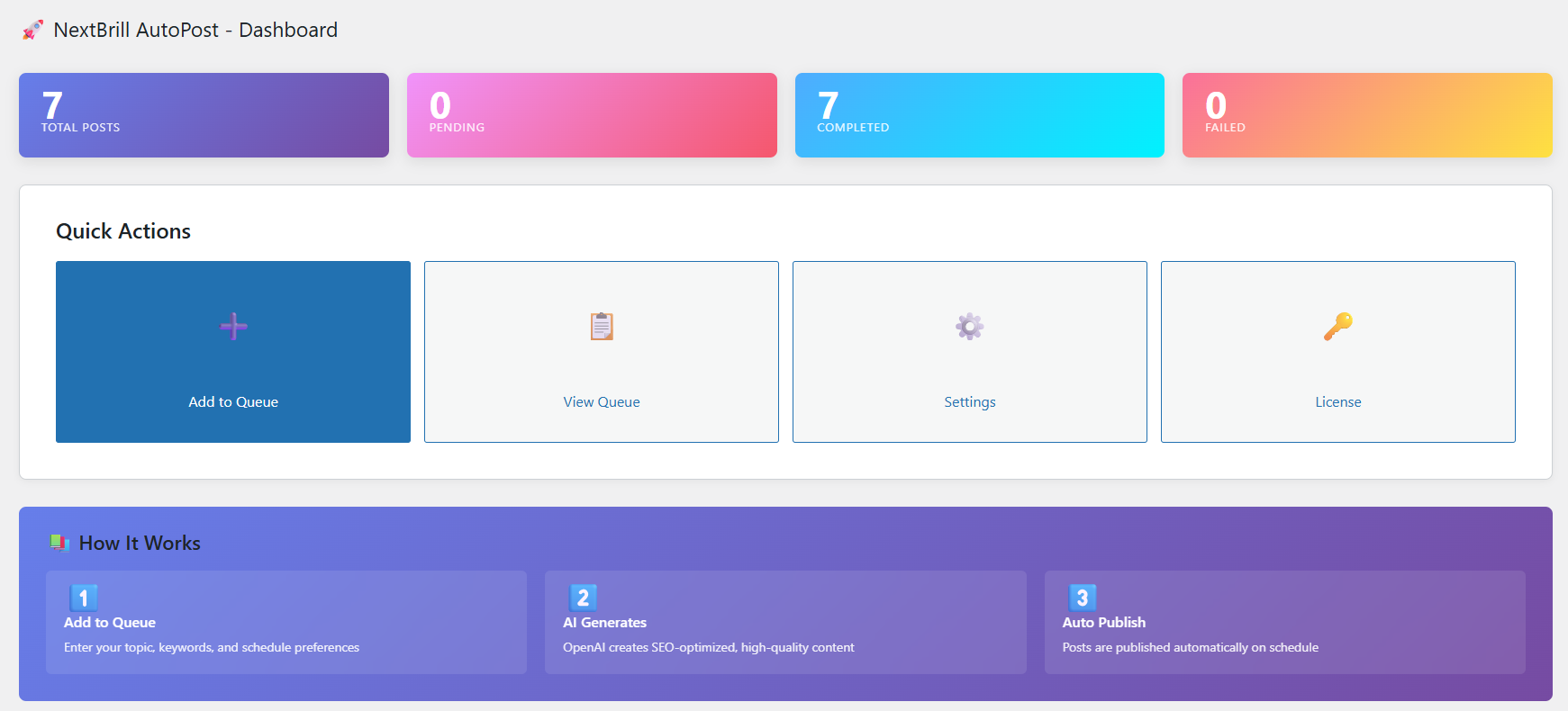
NextBrill AutoPost is an AI-powered WordPress plugin that automatically generates and publishes SEO-optimized blog posts using OpenAI's GPT-4. Simply add your topics, keywords, and scheduling preferences to the queue, and the plugin will automatically create and publish high-quality content at your specified intervals. It handles everything from content generation to SEO optimization, featured images, and internal linking.
You need a WordPress website (self-hosted or WordPress.com Business plan), an OpenAI API key, and a valid license key. The plugin works with WordPress 5.0 or higher and requires PHP 7.4 or later. You'll also need an active internet connection for API calls to OpenAI.
No coding knowledge is required! NextBrill AutoPost features a user-friendly interface where you simply fill in a form with your topic, keywords, and scheduling preferences. The plugin handles all the technical aspects automatically, including content generation, SEO optimization, and publishing.
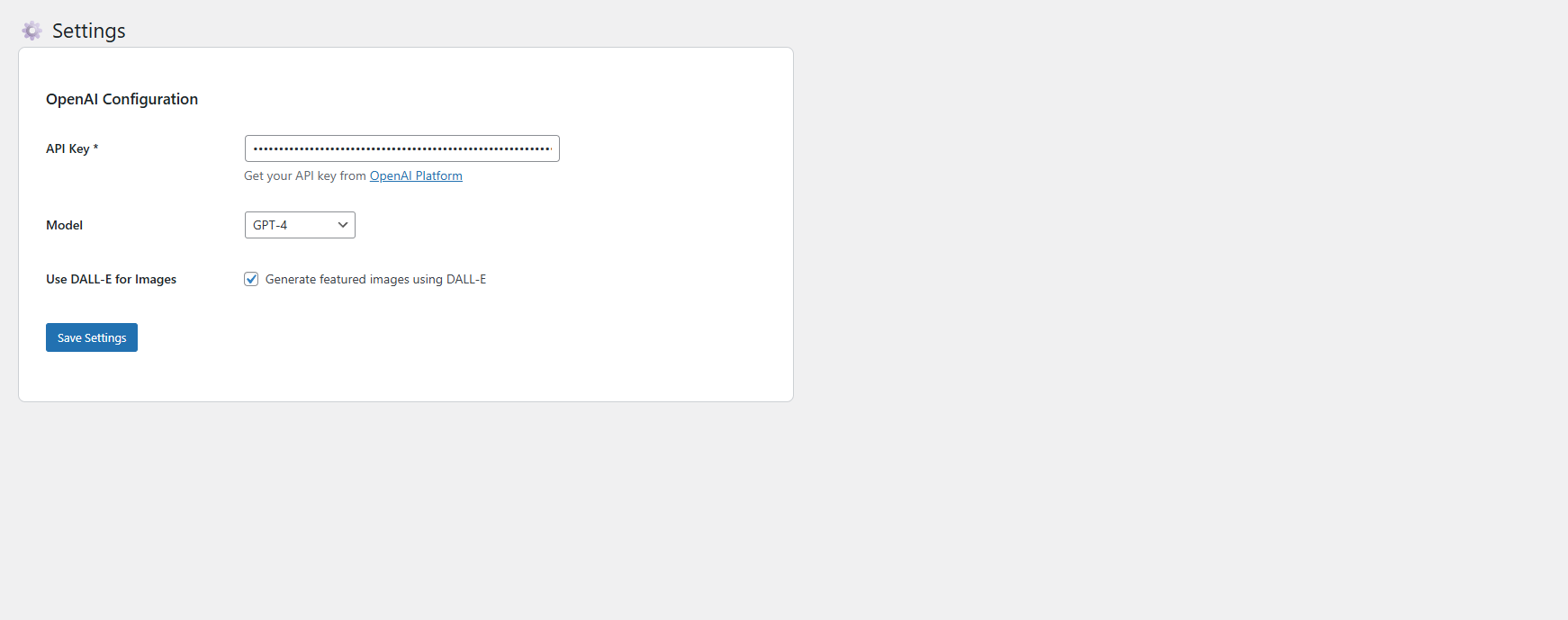
Yes, you'll need your own OpenAI API account and subscription. OpenAI charges based on usage (per token). GPT-4 costs approximately $0.03 per 1,000 input tokens and $0.06 per 1,000 output tokens. A typical blog post of 1,500 words costs around $0.10-$0.30 to generate. You can monitor and control your API usage through OpenAI's dashboard.
Yes! Generated posts are created as standard WordPress posts, so you can edit them just like any other post before or after publication. You can modify the content, adjust SEO settings, change categories, or update any details through the WordPress editor. The plugin also allows you to set custom word counts, categories, and tags during queue creation.
Each license key is tied to a specific domain. If you want to use NextBrill AutoPost on multiple websites, you'll need a separate license for each domain. This ensures proper license validation and support. However, you can renew or extend your license for the same domain when it expires.
Yes! NextBrill AutoPost is fully compatible with both Yoast SEO and Rank Math SEO plugins. It automatically sets all SEO meta data including focus keywords, meta descriptions, SEO titles, and canonical URLs. The plugin optimizes content specifically to meet the requirements of both popular SEO plugins.
We provide email support for license holders. Support includes help with installation, configuration, troubleshooting, and general usage questions. We also maintain detailed documentation and provide regular plugin updates for bug fixes and new features. For technical issues, we typically respond within 24-48 hours.
Yes! NextBrill AutoPost offers flexible scheduling options. You can set posts to publish at intervals of every minute, hour, day, week, or month. When you add a post to the queue, you specify the interval type and value, and the plugin automatically calculates the publish time. Posts are then automatically generated and published at the scheduled time without any manual intervention.
Yes, if you enable DALL-E integration in the settings. The plugin can automatically generate unique featured images using OpenAI's DALL-E 3 for each blog post. You can specify a custom keyword for the image, or it will use your focus keyword. Images are generated in a wide format (1792x1024) perfect for blog headers and are automatically set as the post's featured image with SEO-optimized alt text.
The plugin can automatically generate 4-6 frequently asked questions related to your topic using AI. These FAQs are created in an interactive accordion format that's mobile-friendly and includes smooth animations. The FAQs are optimized for SEO and work seamlessly with Yoast SEO and Rank Math for proper schema markup, helping your content appear in Google's featured snippets.
If a post generation fails, the plugin stores the error message in the queue and marks the item as "failed" in the admin interface. You can view the specific error message, edit the queue item if needed, and resubmit it. The plugin also logs all errors to help with troubleshooting. Failed items don't block other scheduled posts from being processed.

Screenshots

Grab the Free AutoPost Plugin Now